

The home port for your BVS fleet.
OhmPort pulls every snapshot and data-logging file off your Yorkie-Pro™ handheld, streams live RF readings from a TransitHound™, and turns them into searchable, mappable, evidence-grade records — without a single byte leaving your machine.
- Snapshot & logging sync over USB
- Live monitoring with per-band thresholds
- 100% offline — no cloud, no telemetry
Windows & macOS desktop app · web edition for Chrome / Edge · demo runs in your browser, no install
▶ Watch the 50-second tour — real footage of OhmPort at work
From detector to evidence in minutes
Every survey, off the device in one click
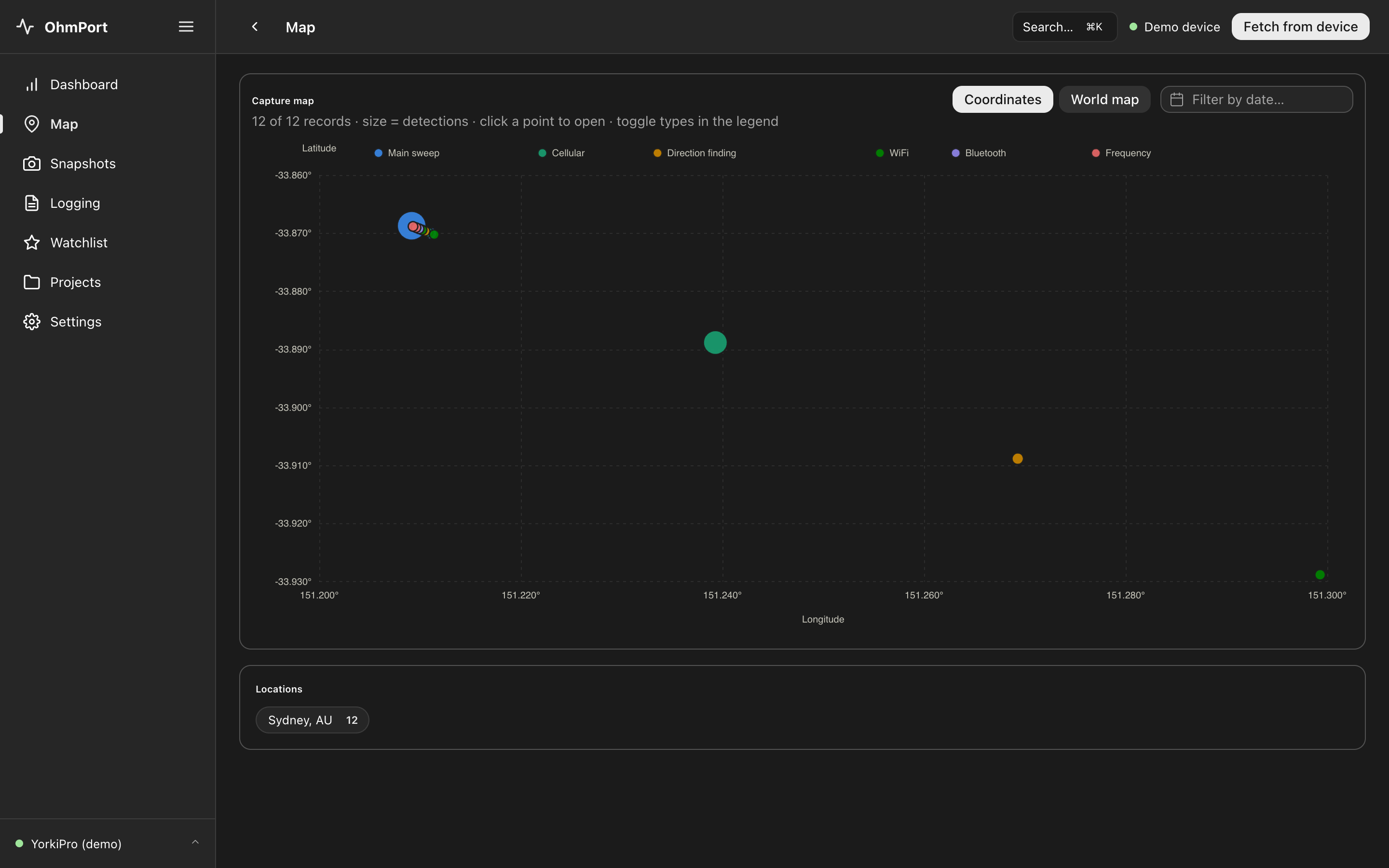
Fetch from device retrieves up to 256 stored snapshots and complete data-logging files from a Yorkie-Pro™ over USB — parsed per screen mode, from Main Sweep and Cellular to WiFi, Bluetooth, Direction Finding and Frequency Analysis.
- Records deduplicated across re-syncs — fetch as often as you like
- Search, date-filter, compare and annotate every record
- Export to CSV, JSON or chart PNG for reports
Live RF monitoring, tuned per band
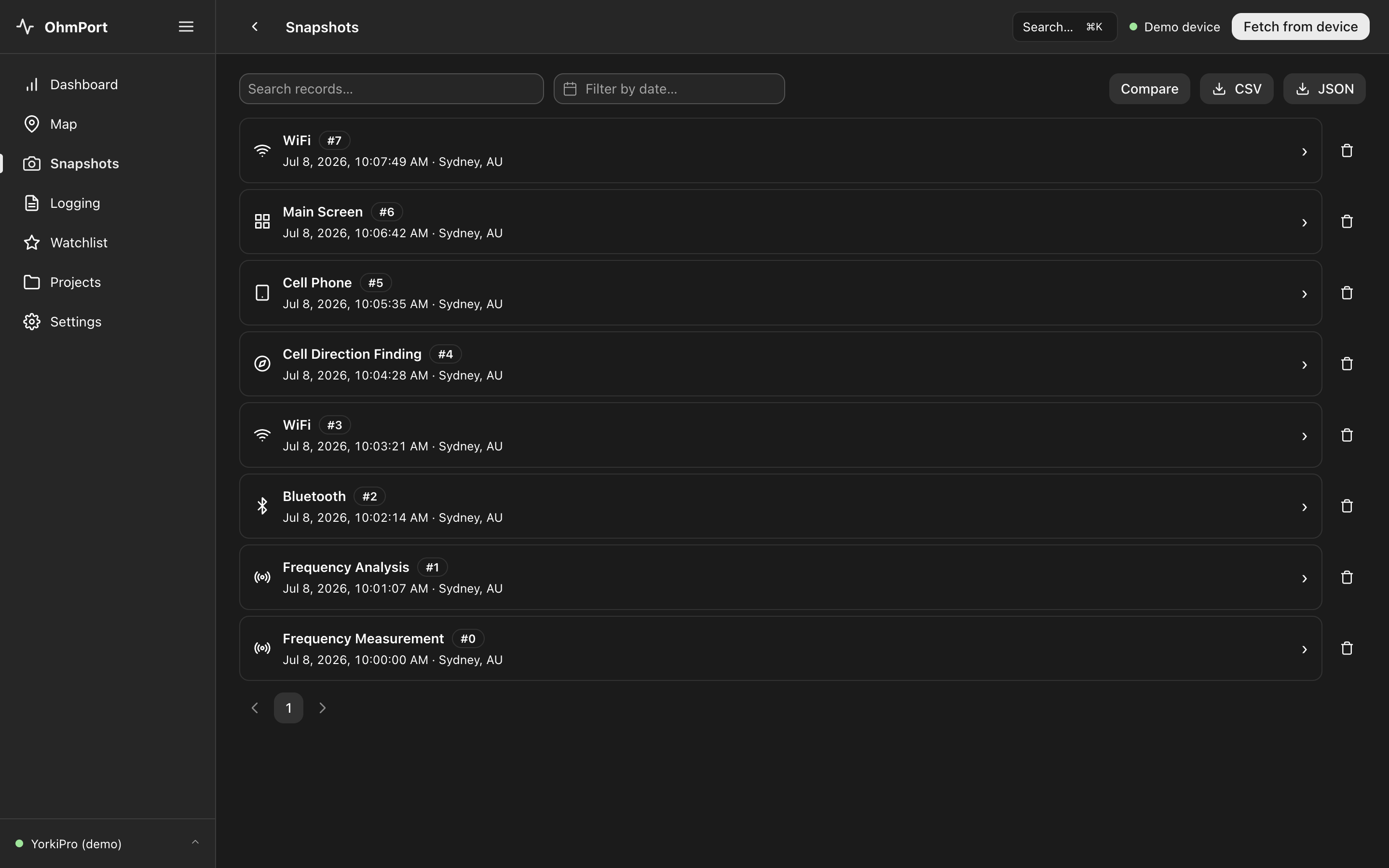
Connect a TransitHound™ and watch the spectrum in real time. Set independent thresholds, rising and falling delays for each band — Cellular 800/900 MHz, 1800/1900 MHz, WiFi 2.4 GHz and 5 GHz — or let auto-threshold calibrate against the noise floor.
- Every threshold crossing recorded in a detection log
- Each setting change verified against the device
- Detections exportable to CSV and JSON
Offline maps, on-device geocoding
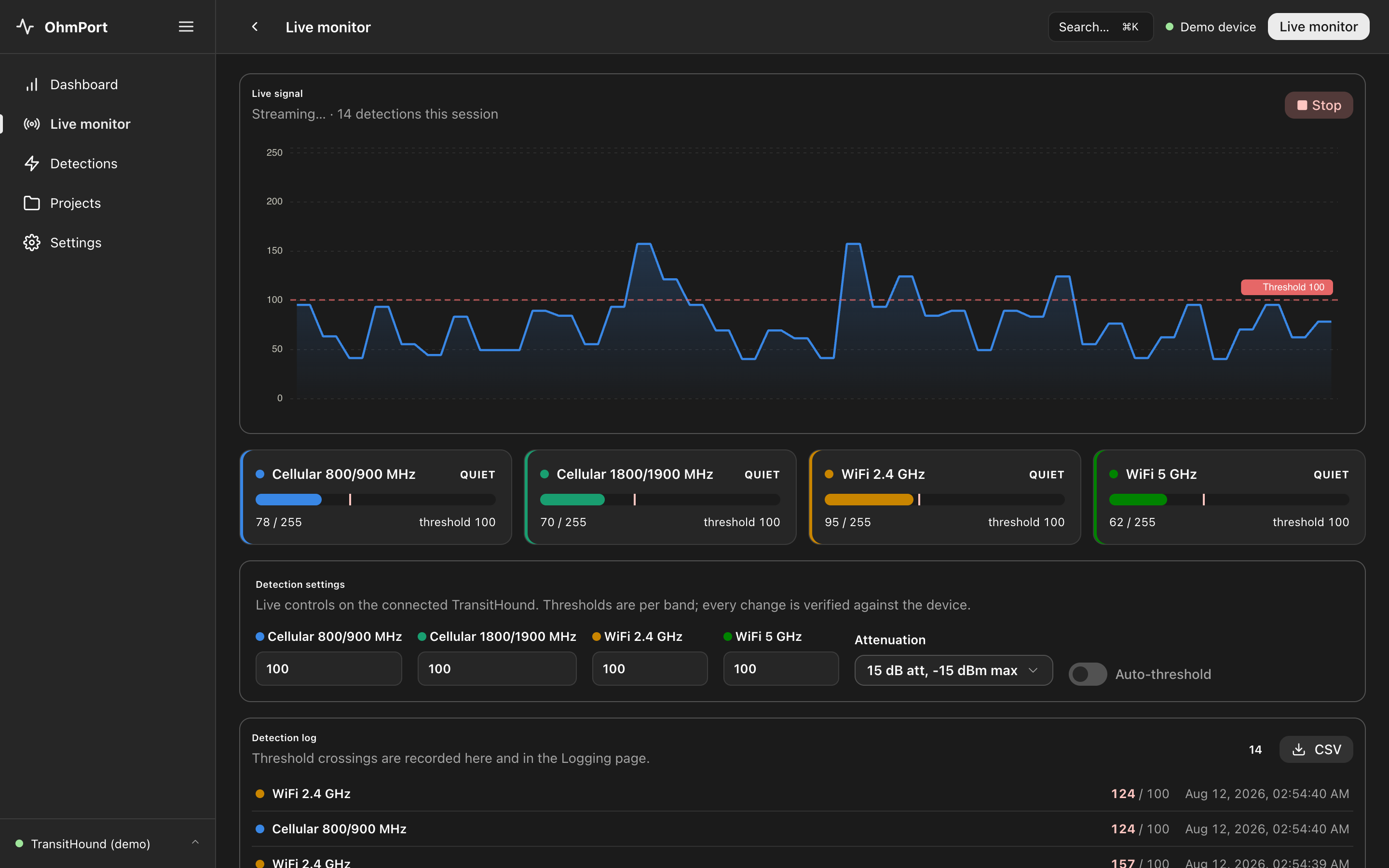
GPS-tagged captures plot straight onto the capture map, sized by detections and coloured by record type. Fixes are reverse-geocoded against a world-city database bundled inside the app — no tile servers, no lookups, no trace of your survey locations online.
- Click any point to open the record behind it
- Filter by record type and date range
- Location summaries grouped by place name
No cloud. No telemetry. Nothing to leak.
"We don't send your data anywhere" is a promise. OhmPort goes further: the desktop app contains no networking code at all. There is no updater, no analytics and no HTTP client in the binary — licensing, geocoding and even the release notes ship inside the installer.
- Runs on air-gapped and evidence-handling machines
- All data lives in one portable SQLite case file
- Automatic pre-update backups, plus manual backup & restore
- Licences verified offline against your device serial
Records that stand up to scrutiny
Built alongside investigators: organise captures into project case files and prove, later, that nothing was touched.
Tamper-evident case files
Projects copy evidence records and keep a hash-chained custody log with the operator's name — any later edit or deletion breaks the chain and is flagged.
Watchlist
Star a WiFi access point or Bluetooth device once and it's highlighted everywhere it reappears — across snapshots, logs and surveys.
Analysis & charts
Per-mode charts for every record, side-by-side snapshot comparison, playback of logged recordings and a searchable command palette across all data.
Reports & exports
Export any table or chart to CSV, JSON or PNG, attach notes with location and timestamp pre-filled, and back everything up to a single file.
Desktop for the vault, web for the field
Both editions keep your data entirely on your machine and share the same backup format — a file exported from one restores in the other.
Desktop
Structurally offlineNative installers for Windows 10+ and macOS (Intel & Apple Silicon). Incapable of network access by construction — the strongest guarantee for evidentiary and air-gapped work. Updates are deliberate, manual installs; your data survives them automatically.
Enquire About DesktopWeb
Nothing to installRuns in Chrome or Edge with no application server: your detector talks to the browser over Web Serial and records are stored in the browser's private storage on your computer. The demo — with simulated devices — is free for everyone.
Launch the DemoWorks with your BVS kit
OhmPort is built for Berkeley Varitronics detectors supplied and supported in Australia by Ohmsense.
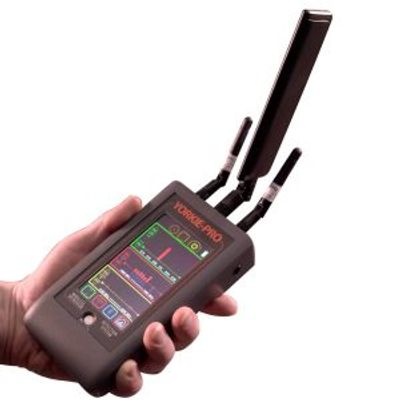
Yorkie-Pro™
Wireless intrusion detection system. Handheld covert cell phone detector with direction finding capability for high-security environments.
View device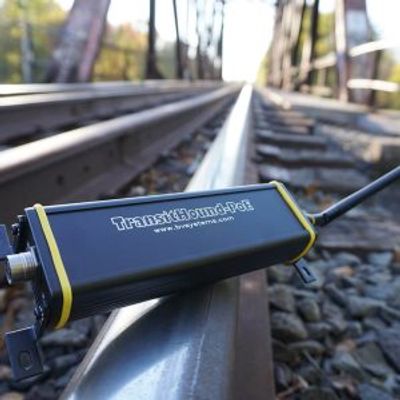
TransitHound-PoE™
Railway distraction detection system deployed in over 15,000 locomotives worldwide. Detects distracted operators using mobile devices.
View deviceTechnical summary
| Current version | 2.0.1 |
| Desktop platforms | Windows 10+ (x64) · macOS Intel & Apple Silicon (universal) |
| Web edition | Chrome / Edge on desktop (Web Serial); demo mode in any modern browser |
| Supported devices | Yorkie-Pro™ handheld (snapshots, data logging) · TransitHound™ (live monitoring) |
| Data storage | Single SQLite case file on your machine; backups interchangeable between editions |
| Network behaviour | None — no updater, analytics, telemetry or HTTP client in the desktop binary |
| Licensing | Offline cryptographic licences tied to your device serial; activation via the Ohmsense portal |
Read the docs
User Guide
Installation, connecting detectors, syncing surveys, live monitoring, case files, backups and troubleshooting.
Security Overview
Network behaviour, enforced browser policy, data sovereignty, evidence integrity and deployment notes for security teams.